
A practical guide to what a data room is, what goes in it, how much it costs, and which tools are actually worth your time when you're raising for series A.
In this guide
- What is a virtual data room?
- What is Series A in venture capital?
- Why you need a data room for Series A
- What goes in a Series A data room?
- How to set up a virtual data room
- How much does a virtual data room cost?
- Best data room tools for Series A
- FAQ
What is a virtual data room?
A virtual data room (VDR) is a secure online space where you store and share sensitive business documents with a specific group of people - typically investors, lawyers, or acquirers. Think of it as a locked digital filing cabinet with a visitor log.
Unlike a shared Google Drive folder, a proper data room lets you control exactly who sees what, track every document view, set document-level permissions, add watermarks, and revoke access any time. Some let you set up NDAs that visitors must accept before they can see anything.

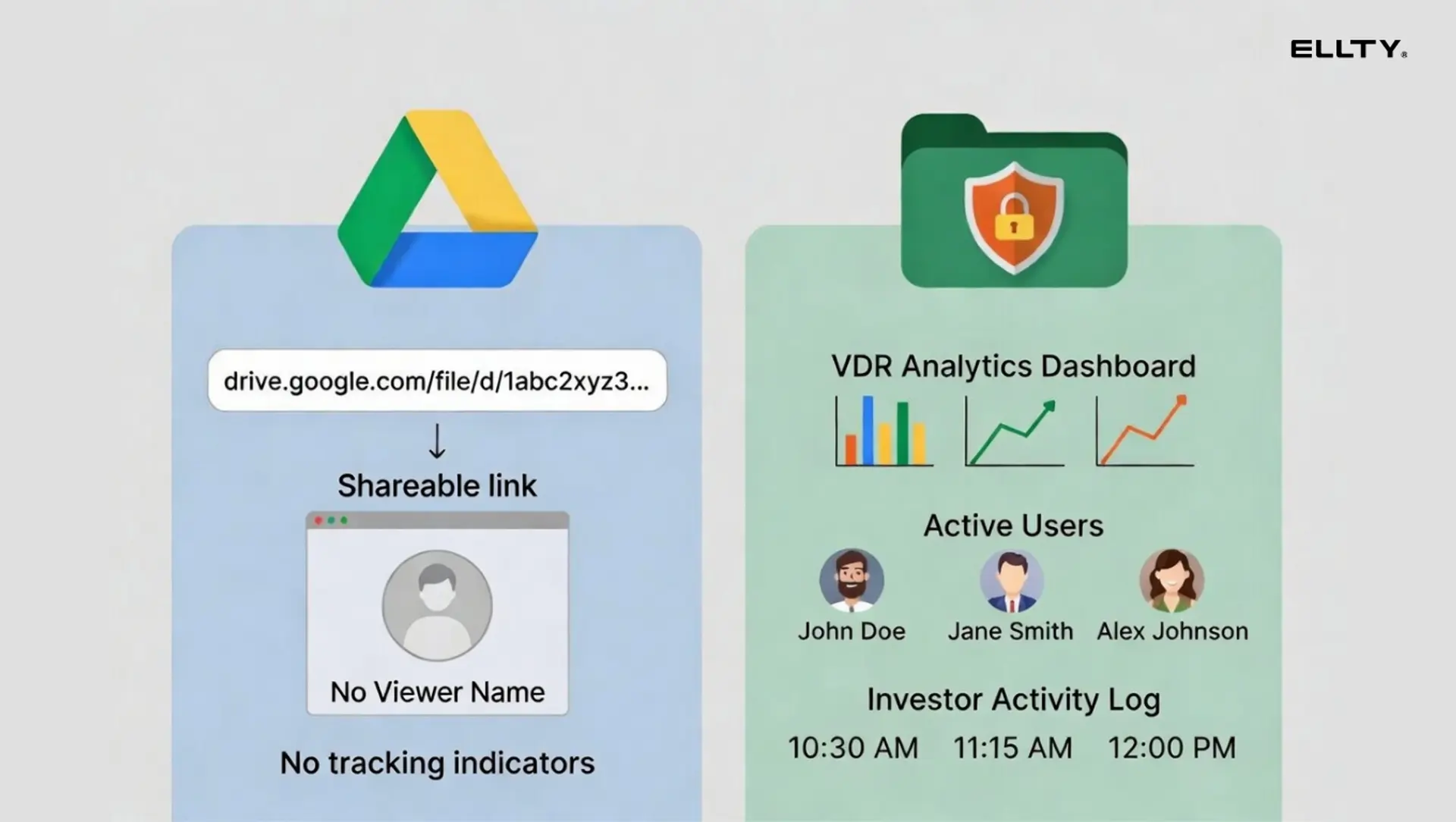
VDRs became standard in M&A transactions years ago. Now they're increasingly common in venture fundraising, especially at Series A and beyond, where investors start doing real due diligence.
A quick way to think about it: a pitch deck you email around is public the moment you hit send. A data room gives you visibility and control. You'll know who opened what, for how long, and which page they spent the most time on.
What is Series A in venture capital?
Series A is typically the first significant institutional round of funding a startup raises, usually after a seed round has helped you prove some early traction. At this stage, you're going to professional venture capital firms, not just angels and accelerators.
The median Series A in the US in 2024 was around $10-15M, though ranges vary a lot by sector and geography. What matters more than the number is what investors expect from you at this stage.
At seed, investors often bet on the team and the idea. At Series A, they want evidence. Revenue growth, retention, unit economics, a clear path to scale. And they'll do due diligence - which means they'll want to see your documents, not just your slides.


Why you need a data room for Series A
Series A investors move fast when they're interested and they stop moving entirely when the process feels disorganized. A data room solves both problems.
Here's what happens without one. An investor asks for your financials. You email a spreadsheet. Two weeks later, their associate asks for the same spreadsheet plus your cap table. You send another email. Then legal gets involved and asks for the same files again. You spend hours tracking down documents, sending updated versions, and wondering who has what.
With a data room, you send one link. Everything is there. You can see who opened it and what they looked at. When they come back with questions, you already know which sections they studied.
There's also a perception angle you shouldn't ignore. Showing up to a Series A process with a well-organized data room signals operational maturity. It tells the investor you've done this before, or at least that you prepared properly.
You don't set up a data room after term sheet. You set it up before you start reaching out to investors, so you're ready the moment someone says "send me your materials."
What goes in a Series A data room?
The exact contents depend on your business, but most Series A data rooms cover the same core categories. Here's a practical checklist.
Company overview
- Pitch deck (latest version)
- Company overview or one-pager
- Product demo video or link
- Press coverage or notable mentions
Financials
- Historical P&L (2-3 years or from founding)
- Balance sheet
- Cash flow statements
- Financial model with projections (3-5 years)
- MRR/ARR breakdown and growth chart
- Unit economics (CAC, LTV, payback period)
Legal and corporate
- Certificate of incorporation
- Cap table (usually via Carta or similar)
- Previous funding documents (SAFEs, convertible notes, prior term sheets)
- Shareholder agreements
- Key IP registrations (patents, trademarks)
Team
- Org chart
- Founder bios
- Key employee agreements
- Advisory board (if relevant)
Product and tech
- Product roadmap
- Tech stack overview
- Security and compliance documentation (SOC 2, GDPR, etc.)
- Key metrics dashboard or data export
Customers and market
- Customer list (anonymized is fine for sensitive industries)
- Key customer contracts (redacted if needed)
- NPS or customer satisfaction data
- Market sizing analysis
- Competitive landscape
Don't put everything in at once. Start with what you have, organize it clearly, and expand as the process progresses. A tidy data room with 25 documents beats a messy one with 80.


How to set up a virtual data room
Setting up a data room doesn't have to be complicated. Here's a practical process that works whether you're using a dedicated tool or a simpler platform.
Step 1 - Choose your tool
Pick a platform before you start gathering documents. Trying to migrate files mid-process is painful. Consider what you actually need: secure sharing, document tracking, permissions control, NDA gates, watermarking.
Step 2 - Create your folder structure
Use the categories from the previous section as your template. Keep folder names clear and consistent. Investors shouldn't have to hunt for your financials.
Step 3 - Upload your documents
Start with what you have. Don't delay the process waiting for a perfect model or updated deck. Placeholder folders ("coming soon") are better than sharing an unorganized drive link.
Step 4 - Set permissions
Decide who gets access to what. A common approach: a "teaser" view for early-stage conversations (overview + deck only), and a "full access" view for investors who are deeper in the process. Don't give everyone everything on the first contact.
Step 5 - Configure security settings
At minimum, enable viewer tracking. If you're sharing sensitive financials or contracts, enable watermarking and consider adding an NDA gate so visitors must accept terms before accessing documents.
Step 6 - Test before you share
Open the link yourself in an incognito browser. Check that files load correctly, the folder structure makes sense, and your permissions are working as intended.
Step 7 - Share and monitor
Send the link. Then actually check your analytics. Knowing an investor opened your deck three times and spent 12 minutes on your financial model is useful context for your next call.

How much does a virtual data room cost?
Virtual data room pricing varies enormously depending on the type of product you're looking at. Enterprise VDR software built for M&A transactions can run $400-$2,000+ per month. That's designed for law firms and PE shops running dozens of deals simultaneously, overkill for a startup raising a single Series A.
For startup use cases, there are more sensible options:


A few things to watch for in pricing:
- Per-user fees - some platforms charge per invited viewer, which adds up fast when you're sharing with 20 VCs
- Per-page or per-document fees on older enterprise tools
- Storage overages if you have a lot of large files
- Annual-only contracts that lock you in before you know if the product works for you
For a typical Series A process - a few months, 20-40 investor contacts, a few hundred documents - you probably don't need to spend more than $150-200/month. Enterprise pricing is for enterprise use cases.
Best data room tools for Series A
1. Ellty


Ellty is a secure document sharing and analytics platform built for businesses and deal teams who need to move fast without sacrificing control. For fundraising processes, it hits the right balance. You can organize your core materials (pitch deck, financial model, asset schedules, legal docs) into a structured data room, gate access with NDAs, and track exactly how each investor or buyer is engaging with the content. The analytics are genuinely useful in a series A fundraising context: you can see which investor spent 18 minutes on your financials versus which one clicked and bounced, letting you prioritize follow-ups intelligently.
Permissions are granular, watermarking is dynamic, and audit logs are clean - all of which matter when sensitive details are in play. Ellty pricing model is flat, with no per-user fees, which makes it practical when you're sharing materials across multiple buyer groups simultaneously. Plans start free, with the Data Room tier at $149/month covering everything most process needs, and the Data Room Plus tier at $349/month for heavier multi-party deals. Setup is fast - minutes, not days.


2. Docsend

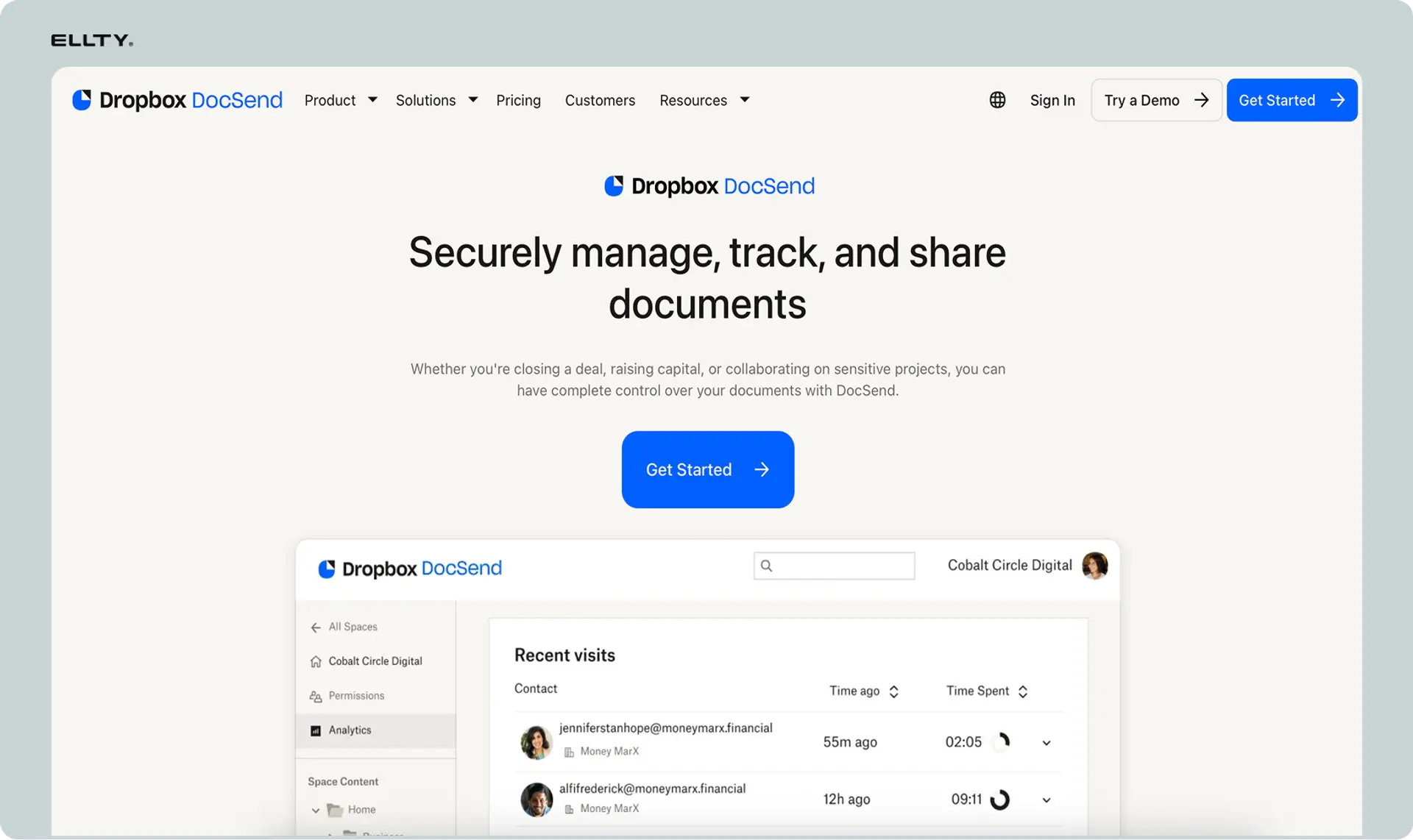
DocSend is a document sharing platform originally built for pitch decks and investor communications, and it has grown into a lightweight virtual data room used across early-stage fundraising. For Series A fundraising, it works well when your document set is focused - a core stack of financials, operating data, and legal summaries shared with a defined list of buyers or investors.
The standout feature is its link-based sharing with per-recipient analytics. You can see who opened a document, how long they spent on each page, and whether they shared it further. This is directly useful where you want to know which prospective investor is actually doing their homework. DocSend also supports NDAs at the point of access and allows you to revoke or update links after sharing. Folder-level organization is available for structuring diligence materials, though it's less robust than purpose-built VDRs for complex multi-asset transactions. Pricing starts around $65/month for individuals and scales up for teams. It's a strong fit for lean processes where speed and simplicity matter more than enterprise-grade workflow features.
3. Carta

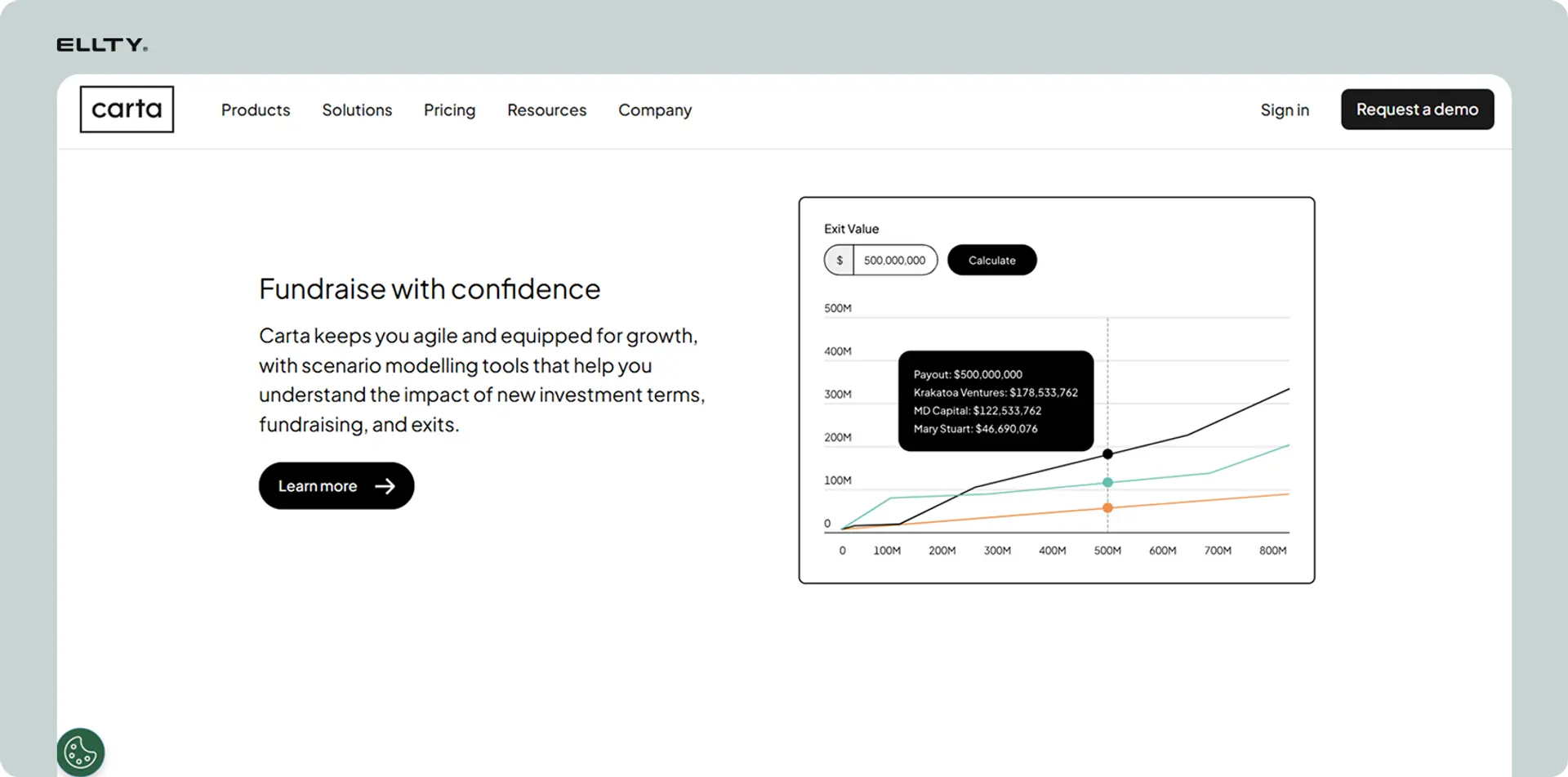
Carta is primarily known as a cap table management platform, but it also offers a data room feature that integrates directly with your equity and ownership data. For fundraising tied to a Series A raise, this integration is its clearest advantage. If investors need to review cap table details, option pools, or equity structure alongside your core financial and operational documents, Carta keeps everything in one place without requiring manual exports or cross-platform reconciliation.
The data room itself supports controlled access, document organization by folder, and basic permission management. It's not the most feature-rich standalone VDR on the market, but for founders already using Carta for equity management, the consolidation is genuinely useful. Buyers conducting diligence on a business with complex equity arrangements will appreciate being able to review ownership structure in a clean, authoritative format. Pricing is bundled with Carta's broader platform, so costs depend on your existing subscription tier.
4. Ansarada


Ansarada is a purpose-built virtual data room platform with a strong track record in M&A, capital raises. It's designed with deal professionals in mind and includes features that go beyond basic document sharing - AI-powered deal readiness scoring, structured Q&A modules, and workflow tools that help manage the full lifecycle of a transaction. For fundraising with multiple interested parties and staged diligence processes, this added structure can reduce back-and-forth and keep the process moving.
Permissions are highly granular, supporting different access levels for different buyer groups reviewing the same pool. The audit trail is comprehensive, which matters for legal certainty in formal transactions. Ansarada also offers deal preparation tools that help sellers organize and present materials in a way that's standard for institutional buyers. The tradeoff is complexity and cost - it's a heavier platform than most early-stage teams need, and pricing is typically customized rather than published, which adds friction.
5. DealRoom


DealRoom is a virtual data room platform built with M&A workflows in mind, combining secure document sharing with project management features. For fundraising processes, this combination is its clearest differentiator. You can manage both the document repository and the deal workplan in a single platform, tracking tasks, milestones, and open items alongside the diligence materials themselves. This reduces the need to run parallel tools for document access and deal coordination.
The platform supports granular permissions, Q&A workflows, and structured folder templates designed around typical diligence categories. Activity tracking gives teams visibility into which parties are engaged and where attention is concentrated. DealRoom is particularly useful in fundraising where the transaction involves multiple workstreams and where keeping buyers and advisors aligned on process matters. Pricing is subscription-based and varies by deal size and feature set.
6. Firmex

Firmex is an enterprise-grade virtual data room with a long history serving investment banks, law firms, and corporate finance teams on M&A and asset sale transactions. For Series A processes, Firmex provides the depth of access controls, audit logging, and compliance features that those counterparties expect. Bulk document upload, customizable NDA workflows, and role-based permissions across multiple investor groups are all standard.
The platform is particularly strong when a fundraising involves large document volumes or complex information hierarchies. Firmex also offers dedicated support throughout the deal process, which matters in time-sensitive transactions. The tradeoff is that it's built for institutional deal flow, not lean startup processes. The interface feels more traditional than modern SaaS tools, and pricing is typically negotiated rather than self-serve, which slows down setup.
7. Digify


Digify is a document security and sharing platform that covers the core virtual data room needs - access controls, NDA gating, watermarking, download restrictions, and real-time analytics - in a clean, accessible interface. For fundraising processes at the Series A stage, it works well when your primary concern is controlling how sensitive documents circulate and tracking engagement across multiple investors without overpaying for features you won't use.
The document analytics are straightforward and actionable: you can see who accessed which files, when, and for how long. This is directly useful when managing outreach to multiple prospective investors and trying to gauge genuine interest versus passive browsing. Digify supports auto-expiring links, screenshot protection, and remote file deletion, which adds a useful layer of control when sharing detailed information with parties who haven't yet signed definitive agreements. It's not built for complex multi-party workflow management or structured Q&A processes, but for processes where document security and basic analytics are the priority, it delivers well at a reasonable price point. Plans are modestly priced and published transparently, making it easy to evaluate without a sales call.
Frequently asked questions
What is a virtual data room?
A virtual data room is a secure online platform for storing and sharing sensitive business documents with selected parties. Unlike cloud storage, it includes access controls, document tracking, audit trails, and security features like watermarking and NDA gating. They're commonly used for fundraising due diligence, M&A transactions, and legal processes.
Do I really need a data room for Series A?
Yes, practically speaking. Institutional investors at Series A will request documents, and managing that process over email is messy and unprofessional. A data room keeps everything organized, shows you who's engaged, and signals that you run a tight operation. It's also useful after the raise - you'll already have organized documentation for your board and future rounds.
What is Series A in venture capital?
Series A is typically the first formal institutional funding round for a startup, usually following a seed round. It involves raising from professional VC firms, typically in the $5M-$20M range, and comes with full due diligence. Investors at this stage want to see revenue traction, unit economics, team, and a credible path to scale - not just an idea.
How do I set up a virtual data room?
Choose your tool, create a folder structure based on the standard categories (company overview, financials, legal, team, product, customers), upload your documents, configure permissions and security settings, test the access link yourself, then share it with investors. The whole setup process can take 2-4 hours if your documents are already organized.
Is there a free data room for startups?
Yes. Ellty offers a free plan with document tracking and real-time analytics. Google Drive is free but lacks proper data room security features. For early-stage conversations, a free tier can work. For actual due diligence with a serious investor, the security and permission controls in a paid plan are worth having.
What documents go in a Series A data room?
The core categories are: company overview (pitch deck, one-pager), financials (P&L, financial model, MRR breakdown, unit economics), legal and corporate (incorporation docs, cap table, prior funding docs), team info, product and tech documentation, and customer data. You don't need everything on day one - start with the essentials and expand as the process deepens.
What's the difference between a data room and Google Drive?
The main differences are tracking, security controls, and access management. Google Drive doesn't tell you who viewed a file, for how long, or which pages they looked at. It doesn't support watermarking, NDA acceptance, document-level permissions, or audit logs. A data room provides all of this. For sharing sensitive documents with investors, that gap matters.
When should I set up my Series A data room?
Before you start outreach. The worst time to set one up is when an interested investor asks for documents and you're scrambling. Aim to have a functional data room - even a lightweight one - ready before your first investor meeting. You can always add documents as the process progresses.
Does Ellty support NDA gating and watermarking?
Yes, both are available on the Data Room plan ($149/month). NDA gating requires visitors to accept a non-disclosure agreement before accessing documents. Dynamic watermarking overlays the viewer's information on documents to discourage unauthorized sharing. These features aren't available on the free or Standard plans.
How is Ellty different from DocSend?
Both offer document tracking and analytics for pitch deck sharing. Key differences include: Ellty doesn't charge per viewer (DocSend charges per seat on most plans), Ellty includes NDA gating and watermarking on its Data Room plan, and Ellty has a free tier with real analytics. DocSend is a well-established product with a strong reputation for pitch deck sharing. Ellty works well for teams who want data room features without the per-user cost structure.
The bottom line
A virtual data room isn't complicated. It's a secure, organized place to share documents with investors during due diligence. For a Series A process, you need one - the question is which tool fits your situation and what you're willing to spend.
If you're early-stage and want to start tracking pitch deck engagement without spending anything, Ellty free plan is a practical starting point. If you're actively running a Series A or a Series B, and sharing sensitive financial and legal documents, the Data Room plan at $149/month gives you the security and control features that actually matter.
Set it up before you need it. Keep it organized. Use the analytics. And stop emailing documents to investors who may or may not open them - that's information you should have.
Author

Anika Tabassum Nionta is a Content Manager at Ellty, where she writes about secure document sharing, virtual data rooms, M&A, due diligence, fundraising, and sales enablement. With over 6 years of writing experience, she helps professionals understand how to share confidential documents securely, track engagement, and manage deals more effectively. Anika holds both a BA and MA in English from Dhaka University. Outside of work, she enjoys reading, exploring new cafes in Dhaka, and connecting with entrepreneurs and dealmakers in her community.

